FLUX.1 Image-to-Image Generator
Transform your images with the FLUX.1 Image-to-Image Generator. Powered by a 12 billion parameter transformer, this tool enables stunning modifications and enhancements based on detailed text prompts.
Generated Image
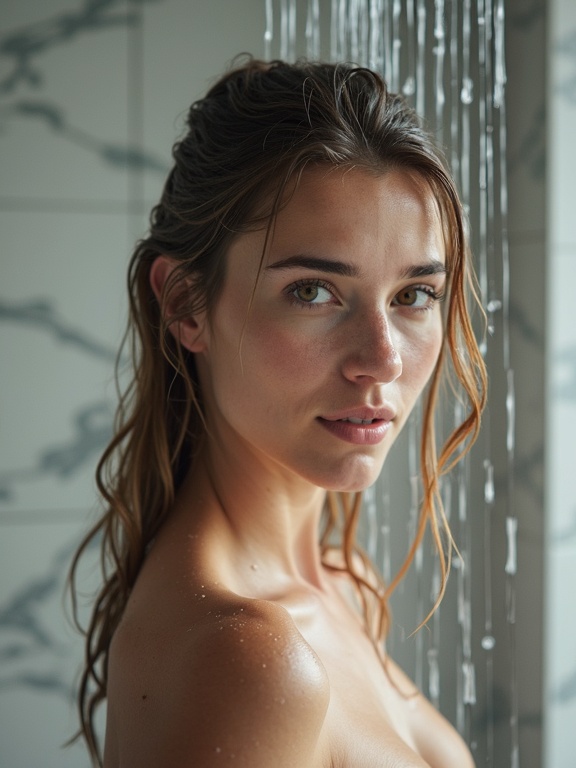
Ultra realistic photo of the same woman from the reference image, standing under a modern shower, wet hair, water droplets on skin, natural facial features identical to reference photo, accurate face preservation, soft bathroom lighting, white marble tiles, cinematic photography, realistic skin texture, shallow depth of field, lifestyle magazine quality, natural body proportions, highly detailed, 85mm lens, photorealistic, professional photography
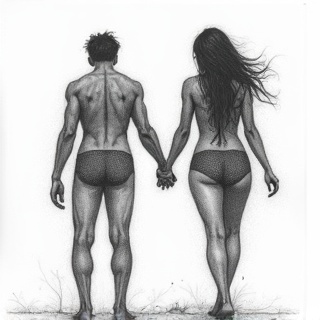
Generally a fairly complex illustration that sexuality represents in all its complexity between man and woman by being both teenager and mature with all the transfers of sexuality the challenges the enjoyments and all that there in a continuous wire style or pencil a full map in horizontal wide format Young man and woman represented Integrate all forms of sexuality with taboos and characters that may vary from an entire character to fragmented and metaphorical elements I of course want symbols to be quite symbolic and then represent each other as well youth as sexuality Thin pencil lead in infinite line, no lighting effect or shadow

this man as a jungle explorer wearing adventure equipment

High quality, high detail, anatomically correct. Split screen so we can see multiple poses in a row. She is doing multiple expressive poses. Same style and setting as original images keep her likeness

EXACT SAME PERSON AS REFERENCE IMAGE, preserve facial identity, preserve eye shape, preserve nose shape, preserve lips, preserve bone structure, preserve hair color. Ultra realistic full body photo of the same woman from the reference image in a bright modern bathroom, standing near a glass shower enclosure, full body visible from head to toe, wet hair, water droplets on skin, natural daylight flooding the room through large windows, bright white marble interior, realistic skin texture, identical facial features to reference photo, natural body proportions, relaxed pose, looking at camera, professional lifestyle photography, ultra detailed, photorealistic, high resolution, fashion magazine quality, sharp focus, balanced exposure, realistic lighting, 85mm lens.
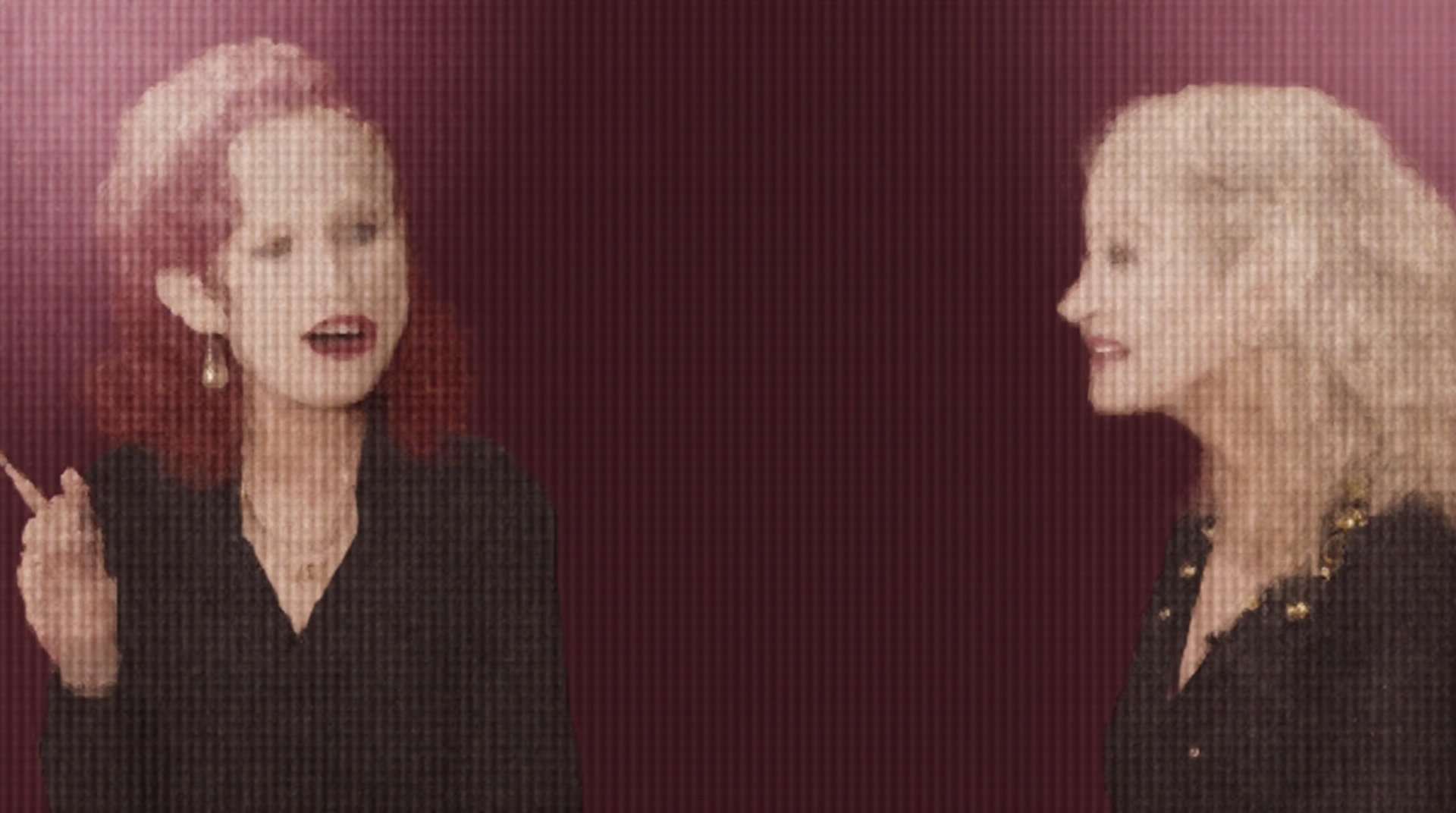
A YouTube thumbnail featuring two women in conversation against a stylized magenta background with soft lighting and a window silhouette. On the left, a woman with dark red curly hair tied back, wearing a black blazer, earrings, and a necklace, is speaking while raising her index finger with a confident expression. On the right, a blonde woman with light hair styled in a low ponytail, wearing gold hoop earrings and a dark outfit with an embroidered detail, is smiling and looking toward the other woman. The overall mood is professional, engaging, and conversational, resembling an interview or discussion setup.
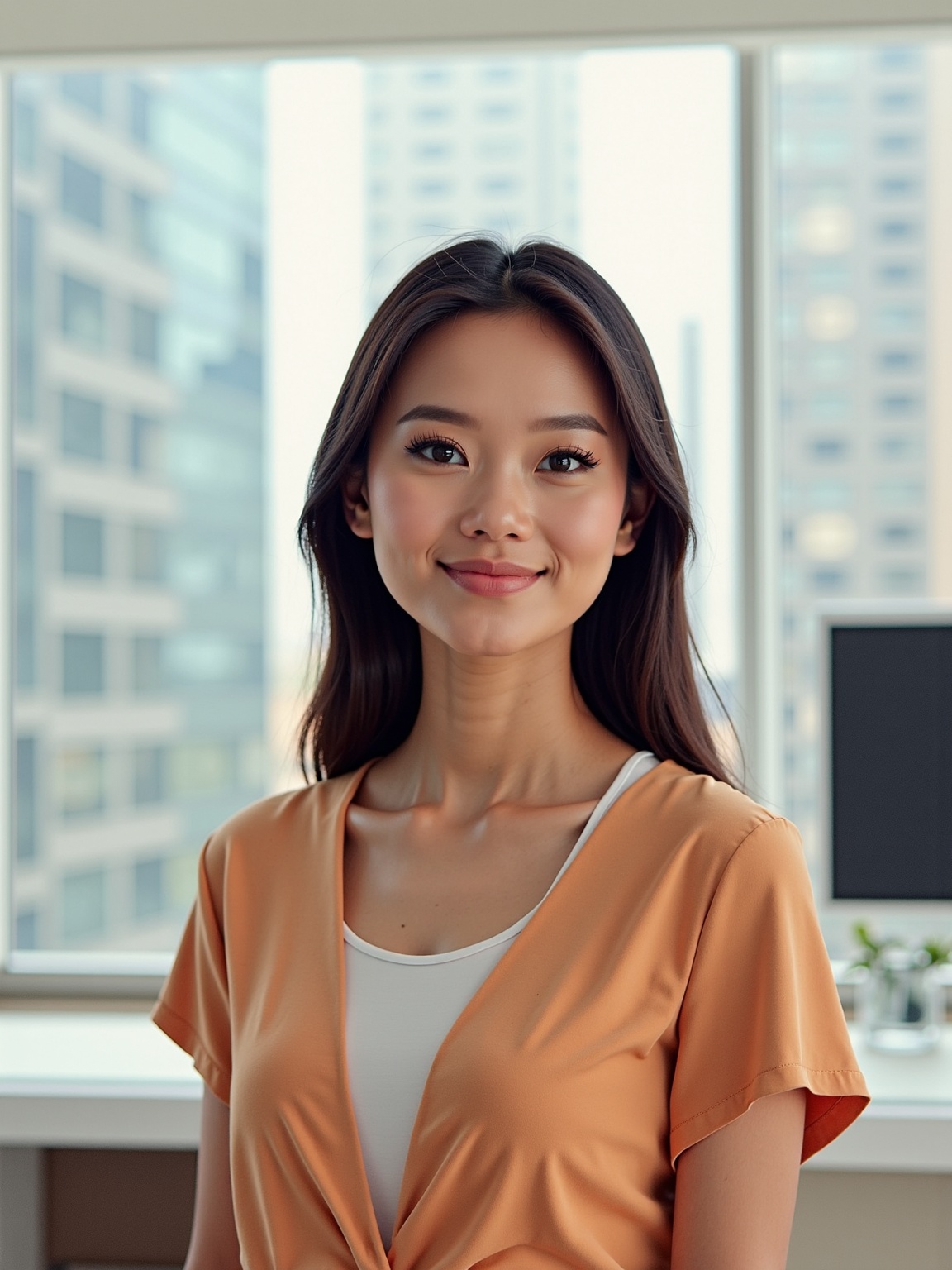
A hyperrealistic image of a woman wearing a blue bazer and white business style blouse and pants . The woman is standing in her office, looking directly at the viewer with a happy and serene expression. The background is a sleek, minimalist modern office with a huge window showing the city.
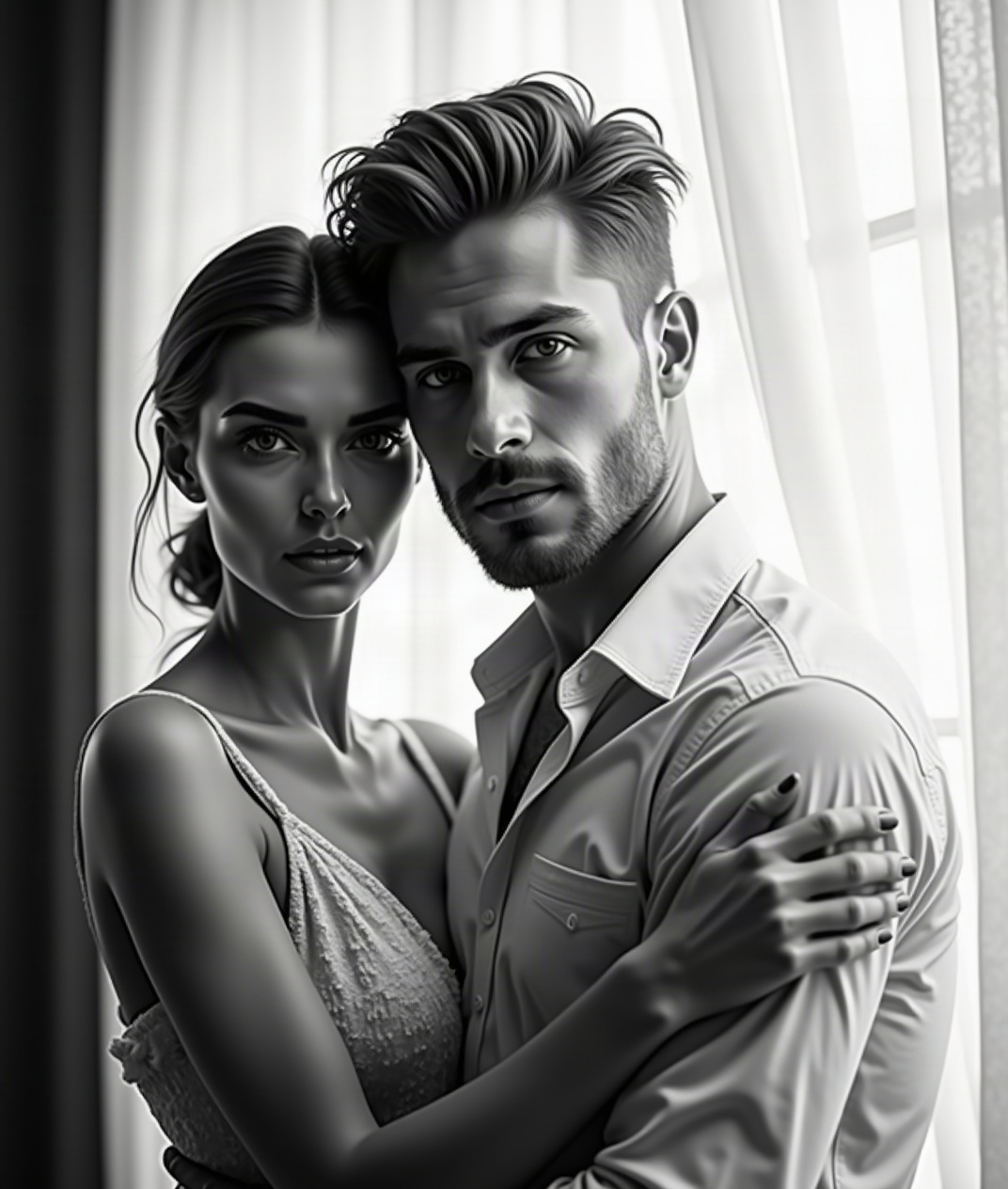
Create a realistic black-and-white intimate portrait of a different couple in the same composition: woman in front, man close behind her, her eyes visible above his forearm in the foreground. Preserve the exact facial features of the provided references. Dark background, soft dramatic lighting, natural skin texture, shallow depth of field, high contrast, 3:2 HD.
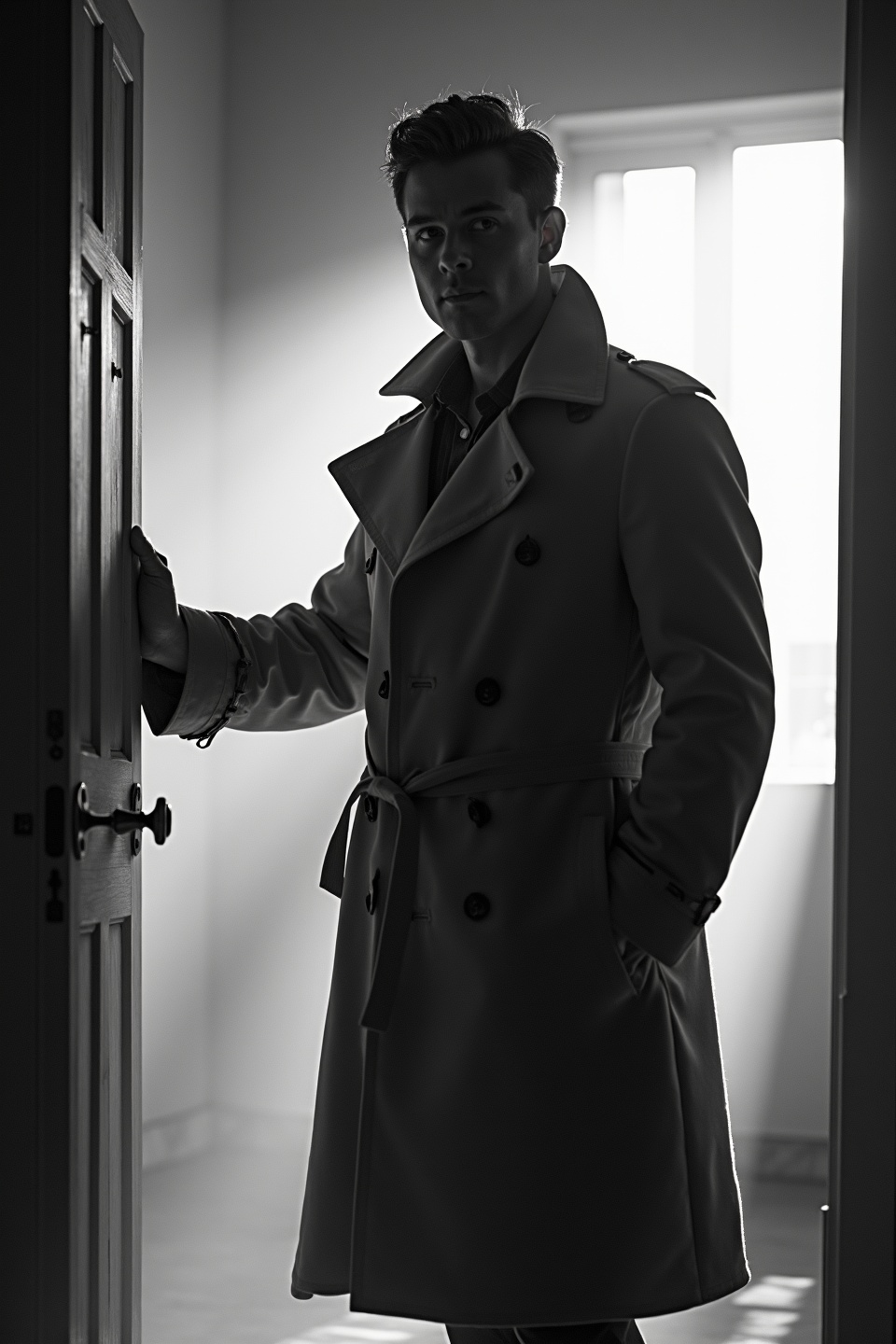
black-and-white photo with the backlit dark silhouette of a handsome broad-shouldered man in a trench coat standing in a doorway coming and looking to camera. The man holding the door handle, as if he just entered the room. God rays. Backlight
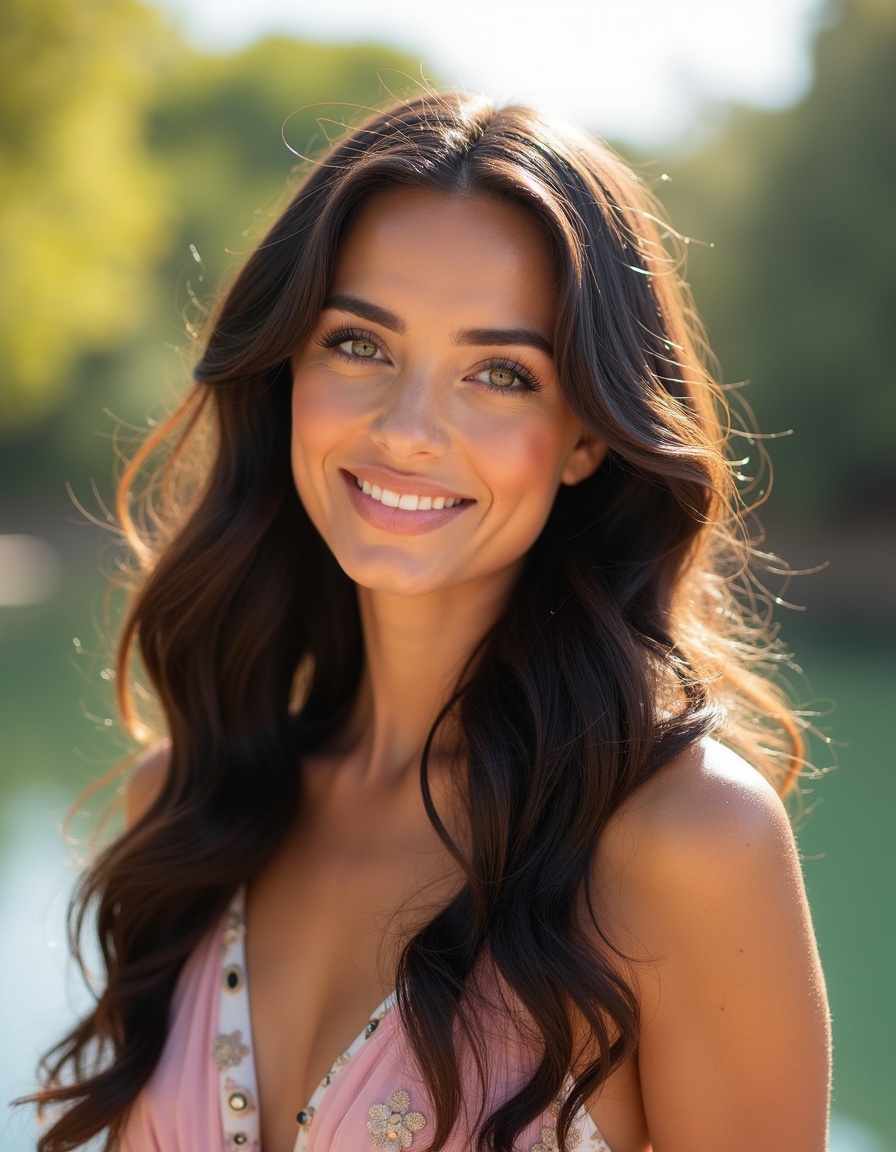
Retrato elegante de uma mulher com rosto oval, pele morena queimada de sol, cabelos longos pretos volumosos e levemente ondulados, repartidos de lado com volume natural. Olhos verdes em formato amendoado, cílios marcantes, sobrancelhas escuras bem definidas. Lábios cheios com gloss rosa, nariz refinado e reto, feições simétricas. Usando jaqueta brilhante rosa e branca e brincos de argolga. Leve sorriso, cabeça inclinada para o lado, olhando for a da câmera. Iluminação natural, brilho suave na pele, fundo desfocado estilo foto de celular

How to Use FLUX.1 Image-to-Image Generator?
Follow these steps to transform and enhance your images with FLUX.1 Image-to-Image:
- Upload your image in PNG or JPG format, up to 2048 x 2048 pixels.
- Enter a descriptive text prompt detailing the changes or enhancements you want to apply.
- Adjust the model parameters, such as resolution and denoise level, to achieve your desired outcome.
Frequently Asked Questions
What is FLUX.1 Image-to-Image used for?
FLUX.1 Image-to-Image is used for transforming and enhancing images based on specific text descriptions. It’s perfect for photo editing, creative prototyping, and artwork refinement.
How does FLUX.1 Image-to-Image generate results?
FLUX.1 Image-to-Image uses a powerful transformer model that interprets your text prompts and applies detailed modifications to your uploaded image, generating high-quality outputs.
What image quality can I expect from FLUX.1 Image-to-Image?
FLUX.1 Image-to-Image delivers top-tier image quality with resolutions up to 2048 x 2048 pixels, providing highly realistic and detailed visuals.
Is FLUX.1 Image-to-Image suitable for commercial use?
Yes, FLUX.1 Image-to-Image is suitable for personal, scientific, and commercial use, offering flexible licensing for a wide range of applications.
What makes FLUX.1 Image-to-Image stand out?
FLUX.1 Image-to-Image stands out due to its advanced AI capabilities, allowing for precise and detailed image transformations that align closely with user prompts.
How can I achieve the best results with FLUX.1 Image-to-Image?
To achieve the best results, use clear and detailed prompts. Experiment with different parameters to refine the output according to your needs.



